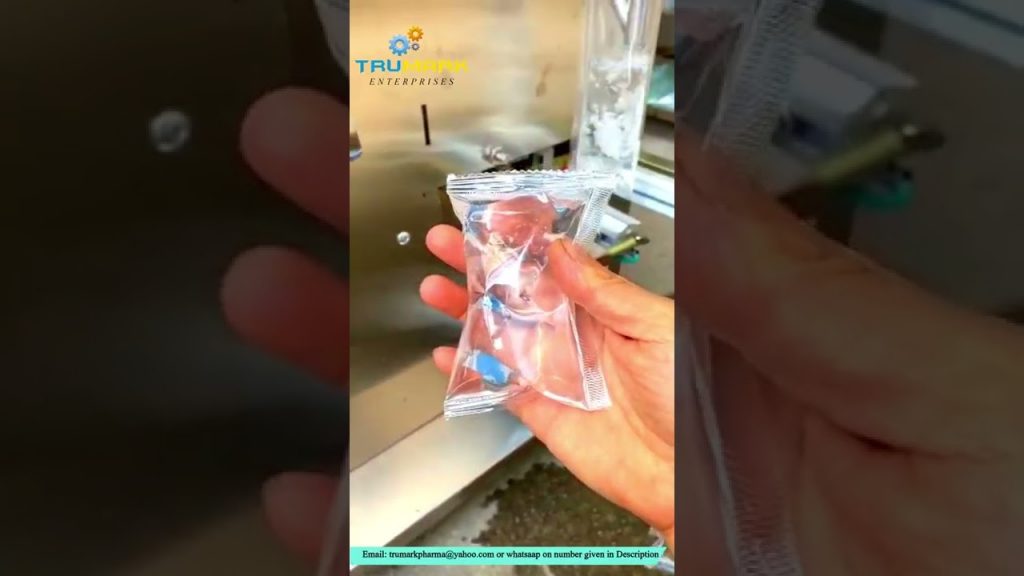
Title: Resetting Parameters for the Weighing Filling Machine | Industrial Filling Packing Machine
Description:
Welcome to our comprehensive guide on resetting parameters for the weighing filling machine and its computer board settings. In this video, we will walk you through the step-by-step process of resetting the parameters for the industrial filling packing machine. Whether you are a beginner or an experienced user, this tutorial will provide you with valuable insights and ensure that you can efficiently adjust the machine’s settings to meet your specific requirements.
[00:00:00] Introduction:
In this video, we will focus on resetting parameters for the weighing filling machine and its computer board settings. Understanding how to reset these parameters is essential for optimizing the performance of the industrial filling packing machine. By following the instructions provided, you will be able to customize the machine’s settings and achieve accurate and efficient filling operations.
[00:00:30] Video Content:
– Overview of the weighing filling machine: We will start by providing a brief introduction to the industrial filling packing machine and its key components. This will help you understand the significance of parameter settings and their impact on the overall performance of the machine.
– Resetting parameters: We will guide you through the process of resetting parameters for the weighing filling machine. This includes starting the power supply and navigating the computer board to access the parameter settings.
– Optimizing the parameter settings: Once you have accessed the parameter settings, we will explain how to adjust them according to your specific needs. We will provide detailed instructions and best practices to ensure precise filling operations.
– Key takeaways: We will summarize the main points covered in the video, emphasizing the importance of resetting parameters for the weighing filling machine. This will help you achieve consistent and accurate results during your packaging operations.
[00:05:00] Call to Action:
If you found this video helpful, please consider liking, subscribing, and sharing it with others who might benefit from this information. Stay tuned for more informative videos on industrial filling packing machines and related topics.
Additional Tags: industrial filling machine, packing machine, weighing filling machine, parameter setting, computer board, reset parameters, optimize filling operations, accurate filling, packaging operations, industrial automation.
Hashtags: #IndustrialFillingMachine #PackingMachine #ParameterSetting #WeighingFillingMachine #FillingOperations #IndustrialAutomation
Title: Resetting Parameters for the Weighing Filling Machine: A Step-by-Step Guide
Introduction:
Resetting parameters for a weighing filling machine is crucial to ensure accurate and efficient operations. This guide provides a step-by-step process to help you reset the parameters of your weighing filling machine effectively. By following these instructions, you can optimize the performance of your machine and maintain consistent results.
Step 1: Safety Precautions
Before starting any maintenance or resetting procedures, ensure that the machine is powered off and disconnected from the power source. This will prevent any potential accidents or damage during the reset process.
Step 2: Accessing the Control Panel
Locate the control panel of your weighing filling machine. Depending on the model, it can be a physical panel with buttons or a touchscreen. Ensure you have the necessary access and permissions to make changes to the machine’s parameters.
Step 3: Navigating the Menu
Once the control panel is accessible, power on the machine and navigate to the main menu. Look for the “Settings” or “Parameters” option. Select it to access the parameter settings.
Step 4: Default Settings
In the parameter settings menu, locate the option to reset to default or factory settings. This will vary based on your machine’s manufacturer and model. Select the option to initiate the reset process.
Step 5: Confirm Reset
A confirmation message will appear on the screen asking if you want to proceed with the parameter reset. Verify that you have selected the correct option, as this action cannot be undone. Press the “Yes” or “Confirm” button to proceed.
Step 6: Restarting the Machine
After confirming the reset, power off the machine and wait for a few minutes. This allows the machine to fully reset and clear any residual data. Then, power on the machine again.
Step 7: Calibration
Once the machine restarts, it may prompt you to calibrate various measurement parameters. Follow the on-screen instructions to calibrate the weighing system accurately. Calibration ensures precise and reliable measurements during the filling process.
Step 8: Testing and Fine-Tuning
After the calibration process, perform a trial run to evaluate the accuracy and performance of the machine. Fill a few test containers with a known weight or desired amount to ensure the machine is functioning correctly. If necessary, make further adjustments to the parameters based on the test results.
Step 9: Documentation
Once you have successfully reset and calibrated the parameters, it is essential to document the changes made. Keep a record of the parameter settings, calibration values, and any adjustments made during the process. This documentation will be helpful for future reference and troubleshooting.
Conclusion:
Resetting parameters for a weighing filling machine is a vital maintenance task that ensures precise measurements and consistent filling operations. By following this step-by-step guide, you can confidently reset and optimize the parameters of your weighing filling machine, leading to improved efficiency and accurate results.Filling Packing Machine
#reset #parameters #weighing #filling #machine