
Check out our video on Packaging Design in Adobe Illustrator to learn how to create die cut lines, creasing lines, and bleed guides. In this tutorial, we will walk you through the process of understanding packing lines and how to design packaging using Adobe Illustrator. Whether you are a beginner or an experienced designer, this video will provide valuable insights and tips to enhance your packaging design skills.
Packaging plays a crucial role in product presentation and protection. It not only showcases the brand’s identity but also ensures that the product reaches the customer in perfect condition. Understanding packing lines is essential in creating effective packaging designs. Let’s dive into the details and explore the different aspects of packaging design.
Die cut lines are an integral part of packaging design. They define the shape of the packaging and help in creating precise cuts. In the video, we will show you how to create die cut lines using Adobe Illustrator. You will learn about the various tools and techniques that can be used to achieve the desired results. Mastering this skill will enable you to create unique and visually appealing packaging designs.
Creasing lines are another crucial element in packaging design. They help in folding the packaging material accurately, ensuring a neat and professional finish. In the video, we will guide you through the process of creating creasing lines in Adobe Illustrator. You will discover the best practices for creating these lines and understand how they contribute to the overall packaging design.
Bleed guides are essential for ensuring that the design extends beyond the trim line, preventing any white edges or gaps in the final product. In the video, we will demonstrate how to create bleed guides in Adobe Illustrator. You will learn how to set up the bleed area and ensure that your design extends seamlessly to the edges of the packaging.
By mastering these techniques in Adobe Illustrator, you will have the necessary skills to create professional packaging designs. Whether you are designing packaging for a product or working as a freelance designer, this video will equip you with the knowledge to create visually appealing and functional packaging.
In addition to the step-by-step tutorial, the video also provides valuable insights and tips from experienced packaging designers. You will gain a deeper understanding of the principles and best practices in packaging design. These insights will help you make informed decisions and create packaging designs that stand out in the market.
At the end of the video, we showcase some examples of packaging designs created using Adobe Illustrator. These examples serve as inspiration and demonstrate the possibilities that can be achieved with the software. From simple and elegant designs to complex and innovative concepts, you will witness the versatility of Adobe Illustrator in packaging design.
In conclusion, understanding packing lines is crucial for creating effective packaging designs. This video tutorial on Packaging Design in Adobe Illustrator provides valuable insights, step-by-step instructions, and tips from experienced designers. Whether you are a beginner or an experienced professional, this video will enhance your packaging design skills and enable you to create visually appealing and functional packaging.
Remember, packaging design is not just about aesthetics; it also plays a vital role in protecting and promoting the product. So, why wait? Watch the video now and take your packaging design skills to the next level!
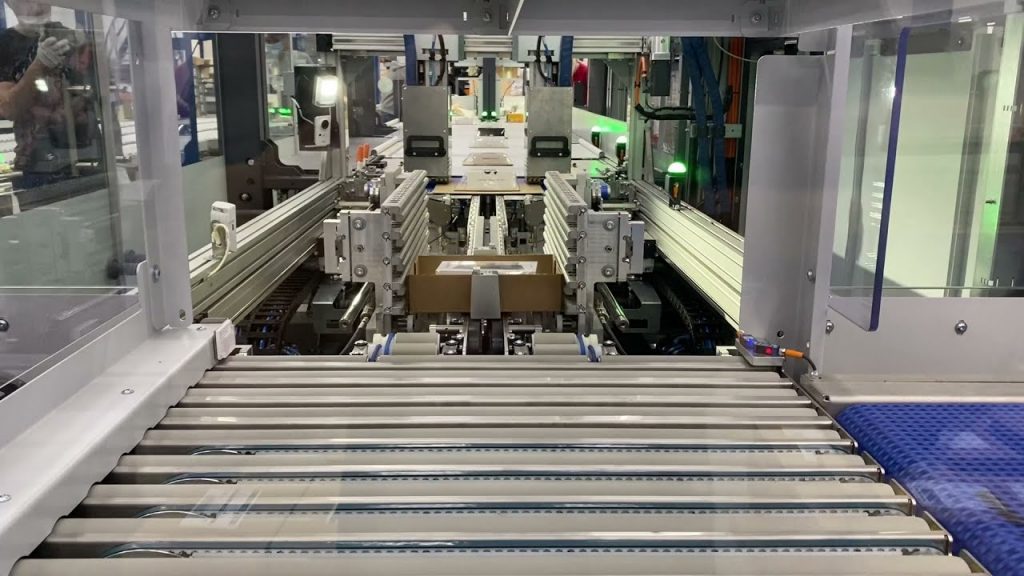
Check out the leading manufacturer for professional packaging solutions. They offer a wide range of coil packing solutions to meet your specific needs and requirements. Visit their website now to explore their offerings and find the perfect packaging solution for your products. Automatic packing line
“Mastering Packaging Design in Adobe Illustrator: Essential Tips for Creating Die Cut, Creasing, Bleed Area, and Packing Lines”