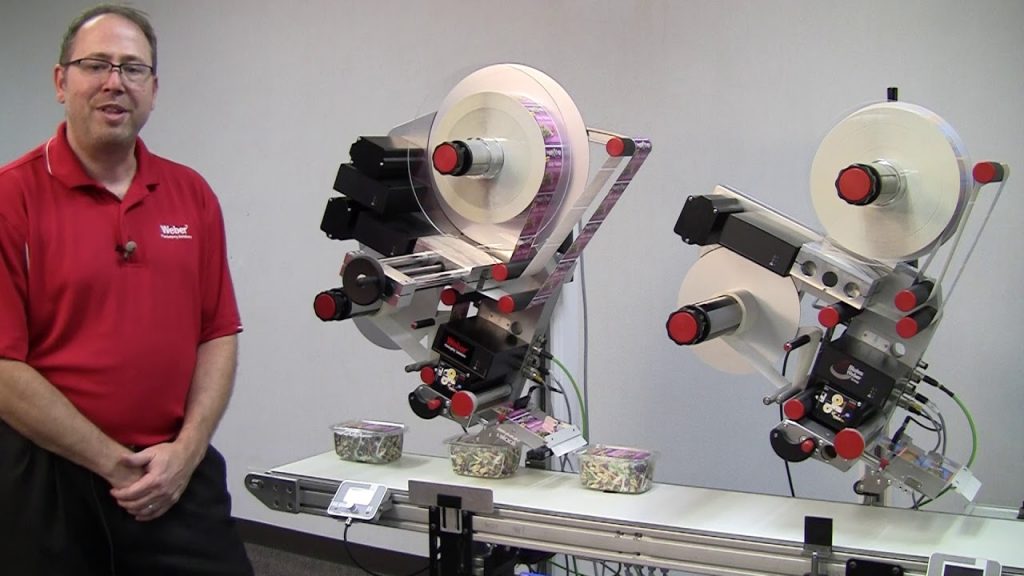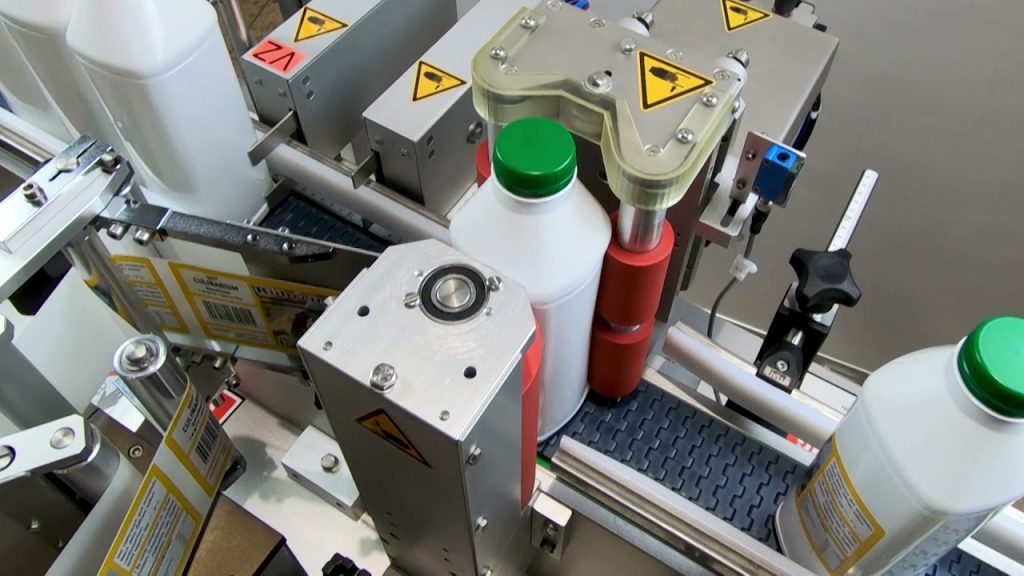
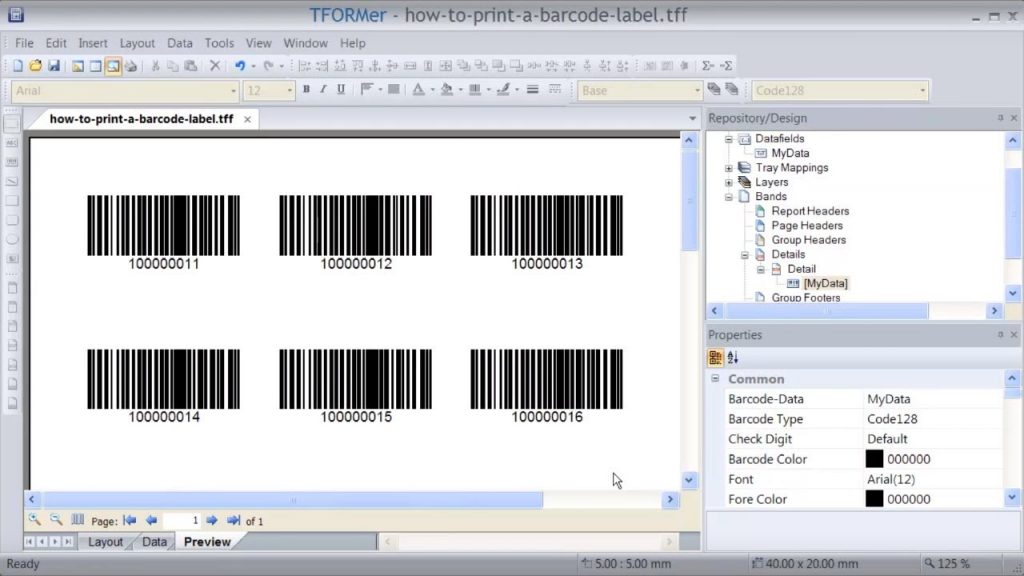
If you are in need of a reliable and efficient solution for printing and labeling barcodes, look no further than TFORMer Designer by TEC-IT. In this YouTube video, we will demonstrate how to use this powerful label printing program along with a Barcode Labeling Machine to create and print Code128 barcode labels.
Barcode labeling is an essential process in various industries, including manufacturing, logistics, and retail. It enables businesses to accurately track and manage their inventory, improve efficiency, and ensure product authenticity. However, the success of barcode labeling heavily relies on the quality and accuracy of the labeling software and the barcode labeling machine used.
TFORMer Designer is a professional labeling software that provides a user-friendly interface and extensive features for creating barcode labels. With its intuitive design tools and customizable templates, you can easily design labels that meet your specific requirements. Whether you need to print product labels, shipping labels, or asset tags, TFORMer Designer has got you covered.
Now, let’s dive into the step-by-step process of using TFORMer Designer and a Barcode Labeling Machine to print Code128 barcode labels.
Step 1: Designing the Barcode Label
Start by launching TFORMer Designer and selecting the Code128 barcode symbology. This symbology is widely used and supports alphanumeric characters. Customize the appearance of the barcode by adjusting parameters such as height, width, font, and color. You can also add additional text or graphics to the label, such as product information or company logos.
Step 2: Connecting the Barcode Labeling Machine
Connect your Barcode Labeling Machine to your computer using the provided USB or Ethernet cable. Ensure that the machine is properly recognized by your computer before proceeding.
Step 3: Configuring the Printing Settings
In TFORMer Designer, go to the printing settings and select the appropriate printer driver for your Barcode Labeling Machine. Adjust the printing options, such as label size, orientation, and print resolution, to match the specifications of your labels and printer.
Step 4: Printing the Barcode Labels
Once you have designed your barcode label and configured the printing settings, you are ready to print. Simply click on the print button in TFORMer Designer, and the software will send the label data to the Barcode Labeling Machine. Watch as the machine quickly and accurately prints the barcode labels, ready to be applied to your products or packages.
By using TFORMer Designer and a Barcode Labeling Machine, you can streamline your barcode labeling process and ensure the quality and accuracy of your labels. Whether you need to print a few labels or thousands of them, this efficient solution will meet your needs.
In conclusion, TEC-IT’s TFORMer Designer combined with a Barcode Labeling Machine provides a seamless and professional solution for creating and printing Code128 barcode labels. With its user-friendly interface and extensive features, this software is a must-have for businesses in need of efficient barcode labeling.
Check the coil packing solution with a leading manufacturer for the professional solution just here: [Insert URL] Labeling Machine
“Efficiently Produce Barcode Labels with Advanced Labeling Software and Labeling Machine”