If you’re in the business of selling food products, you know how important it is to have professional and attractive labels on your packaging. Not only do labels provide vital information to consumers, but they also serve as a marketing tool to grab their attention and entice them to choose your product. In this article, we’ll explore how you can design and print your own labels using popular online platforms like Avery and Canva, and we’ll also introduce you to the concept of using a food labeling machine to streamline the process.
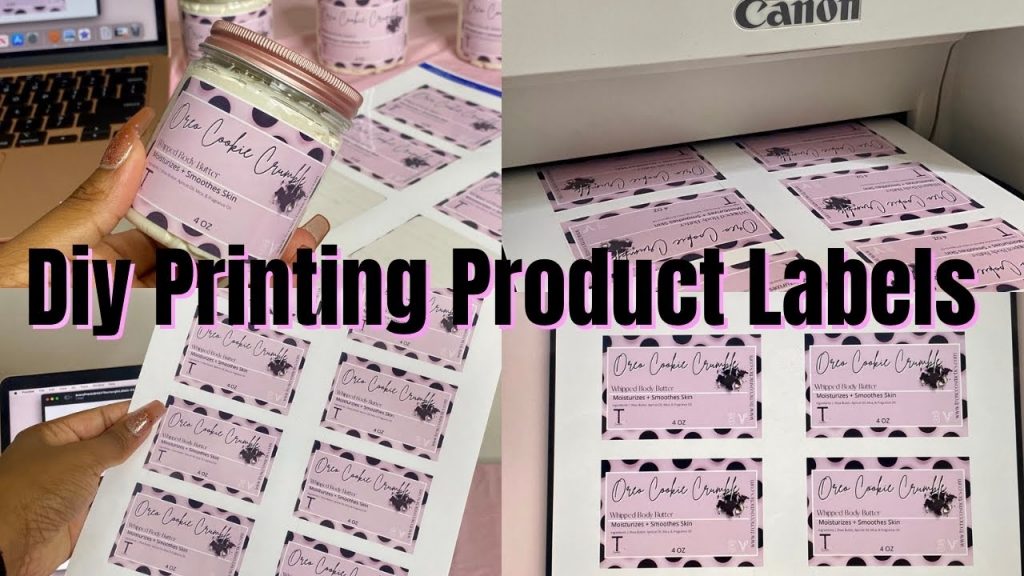
Designing labels on platforms like Avery and Canva offers a user-friendly and cost-effective solution for businesses of all sizes. These platforms provide a wide range of customizable label templates that you can easily modify to suit your branding and product needs. Whether you want to create labels for jars, bottles, or packaging bags, these platforms have got you covered. With a variety of fonts, colors, and graphics to choose from, you can easily create eye-catching labels that represent your brand and product.
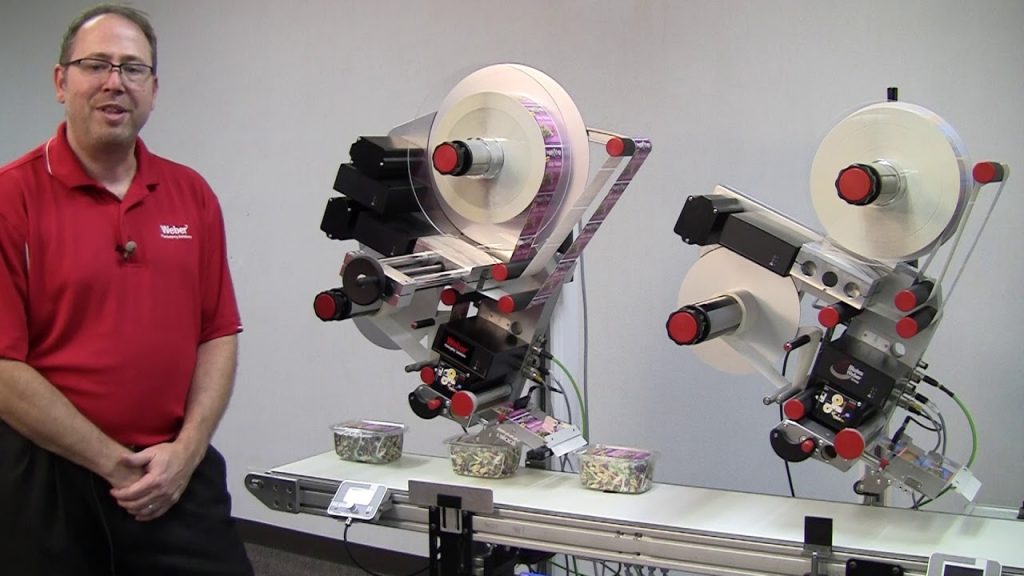
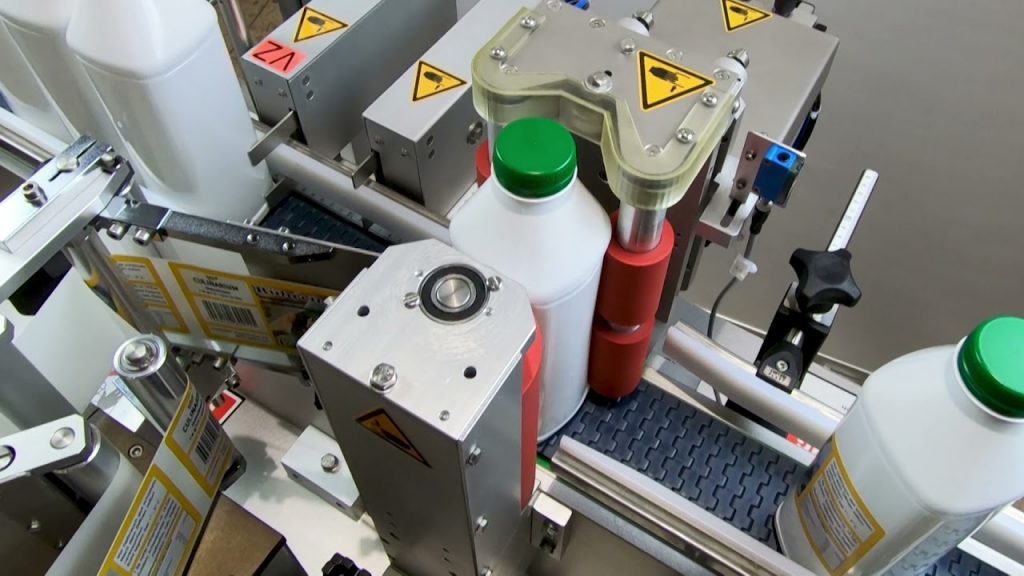
Once you’ve designed your labels, it’s time to print them. This is where a food labeling machine can come in handy. These machines are specifically designed to handle the unique requirements of food packaging. They are equipped with advanced printing technology that ensures high-quality and durable labels. Additionally, food labeling machines offer features like automatic label feeding, cutting, and application, saving you time and effort.
Using a food labeling machine is not only efficient but also ensures accuracy and consistency in your labeling process. With precise label placement and alignment, you can avoid costly mistakes and maintain a professional image for your brand. Moreover, these machines are capable of printing labels in bulk, which is particularly beneficial for businesses with high production volumes.
Now that you have a basic understanding of how to design labels on platforms like Avery and Canva and the benefits of using a food labeling machine, let’s dive into a step-by-step guide on how to print product labels at home for your business.
Step 1: Choose the right label size and material
Before you begin designing your labels, it’s important to select the appropriate label size and material. Consider the size and shape of your product packaging and choose a label size that fits perfectly. Additionally, choose a material that is suitable for food packaging, such as waterproof and food-grade materials.
Step 2: Design your labels
Using platforms like Avery and Canva, start designing your labels. Utilize the available templates or create your own design from scratch. Incorporate your branding elements like logo, colors, and fonts to create a cohesive look. Don’t forget to include all the necessary information like product name, ingredients, nutritional facts, and any certifications or warnings required by regulations.
Step 3: Test your design
Before printing a large batch of labels, it’s crucial to test your design. Print a few samples and evaluate the colors, fonts, and overall appearance. Make any necessary adjustments until you’re satisfied with the final result.
Step 4: Print your labels
Once you’re confident in your design, it’s time to print your labels. If you’re using a food labeling machine, follow the manufacturer’s instructions on how to load the labels and adjust the settings. Ensure that the machine is properly calibrated to achieve accurate printing and cutting.
Step 5: Apply the labels
After printing, it’s time to apply the labels to your product packaging. If you’re using a food labeling machine, it will automatically feed and apply the labels for you. However, if you’re printing labels manually, make sure to apply them neatly and accurately to maintain a professional appearance.
Printing your own product labels at home not only gives you control over the design and production process but also saves you money in the long run. With user-friendly platforms like Avery and Canva and the convenience of food labeling machines, creating professional and attractive labels has never been easier.
In conclusion, designing and printing your own product labels using platforms like Avery and Canva, combined with the efficiency of a food labeling machine, can significantly enhance your packaging process. By taking advantage of these tools and following a step-by-step guide, you can create eye-catching labels that not only provide essential information but also help your products stand out on the shelves.
Check the coil packing solution with a leading manufacturer for a professional solution just here. Labeling Machine
“Efficient Printing of Product Labels at Home: A Comprehensive Guide for Entrepreneurs and Food Labeling Machine Users”