Understanding Orbital Wrappers: Exploring the Robopac Orbit R Horizontal Stretch Wrapper
Introduction
In the world of packaging, efficiency and effectiveness are crucial factors for any manufacturing facility. One such innovative solution that has revolutionized the packaging process is the Robopac Orbit R horizontal stretch wrapper. This advanced machine offers superior performance and ease of use, making it an ideal choice for businesses seeking to optimize their packaging operations. In this article, we will delve into the key features of the Robopac Orbit R, with a specific focus on understanding the HMI icons and learning how to thread the carriage. So, let’s dive right in!
Understanding Orbital Wrappers
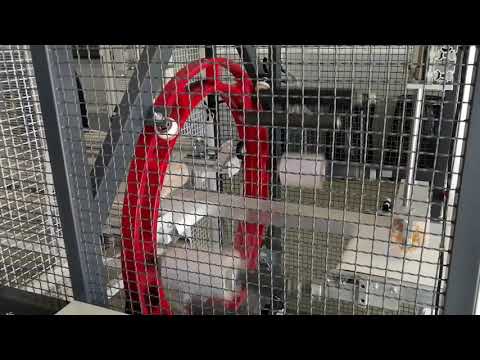
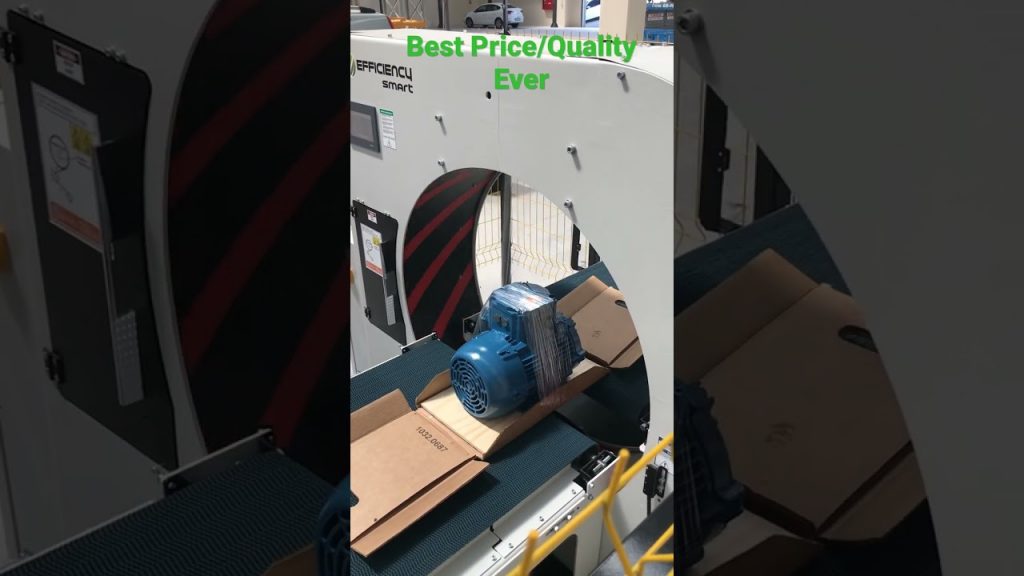
Orbital wrappers, also known as horizontal stretch wrappers, are designed to securely wrap and protect products of various shapes and sizes. These machines utilize a rotating arm that moves around a stationary load, applying stretch film to ensure stability during transportation and storage. The Robopac Orbit R is a leading example of this technology, offering exceptional versatility and efficiency.
Understanding the HMI Icons
The Human Machine Interface (HMI) of the Robopac Orbit R is a user-friendly control panel that allows operators to interact with the machine intuitively. By understanding the various icons and their meanings, users can easily navigate through the different settings and options. Let’s take a closer look at some of the key HMI icons and their functionalities:
1. Start/Stop Icon: This icon allows operators to initiate or halt the wrapping process. By simply pressing this button, the machine will begin or cease its operations accordingly.
2. Speed Control Icon: The speed control icon enables users to adjust the rotational speed of the wrapping arm. This feature is particularly useful when dealing with different load sizes or types of products.
3. Film Tension Icon: With this icon, operators can regulate the tension of the stretch film during the wrapping process. Achieving the optimal tension ensures that the load is securely wrapped without causing damage to the product.
4. Wrap Cycle Counter Icon: The wrap cycle counter icon provides real-time information on the number of wraps applied to a specific load. This feature helps operators keep track of the wrapping progress and ensures consistency in packaging.
How to Thread the Carriage
Threading the carriage of the Robopac Orbit R is a straightforward process that can be easily mastered with a few simple steps. Here’s a step-by-step guide to threading the carriage:
1. Start by locating the end of the stretch film roll and cutting it neatly.
2. Insert the cut end of the film into the threading slot located on the carriage.
3. Follow the threading path indicated by the arrows on the machine, ensuring that the film is securely guided along the designated path.
4. Continue threading the film until it reaches the film clamp assembly, where it can be securely attached.
5. Once the film is properly threaded, the machine is ready for operation. Simply follow the HMI instructions to initiate the wrapping process.
Conclusion
The Robopac Orbit R horizontal stretch wrapper is a game-changer in the packaging industry, offering unparalleled efficiency and ease of use. By understanding the HMI icons and mastering the process of threading the carriage, operators can maximize the machine’s potential and streamline their packaging operations. Whether you’re wrapping products for transportation or storage, the Robopac Orbit R is a reliable and versatile solution that delivers exceptional results.
Check the coil packing solution with a leading manufacturer for professional solutions just here. Orbital Stretch Wrapper
“Mastering Orbit R: Decoding HMI Icons & Carriage Threading for Horizontal Stretch Wrappers”